 Countdown Day
Christmas on iPhone
How to keep a Christmas countdown on your iPhone
To keep a Christmas countdown on your iPhone, add Christmas in the free Countdown Day app and place its widget on your Lock Screen. Christmas Day, Friday, December 25, 2026, is 39 days away, and the number on your phone drops by itself each morning.
Christmas · 39 days
9:41
Set it up in three steps
- Get Countdown Day (free), open it, tap to add an event and choose Christmas from Quick add. It comes in as a yearly date, so you don't type anything.
- Touch and hold your Lock Screen, tap Customize, then Add Widgets, and choose Countdown.
- Tap the widget and pick Christmas under 1st Event, so nothing nearer takes its place in December.
Stuck on the widget step? The full walkthrough is on how to add a countdown to your iPhone Lock Screen.
Christmas Day, Christmas Eve, or both?
Most people count to the 25th. Families who open presents on the 24th, or who travel that day, often find the Eve is the date that really matters, and it is one day closer. Quick add has both, so you don't have to choose.
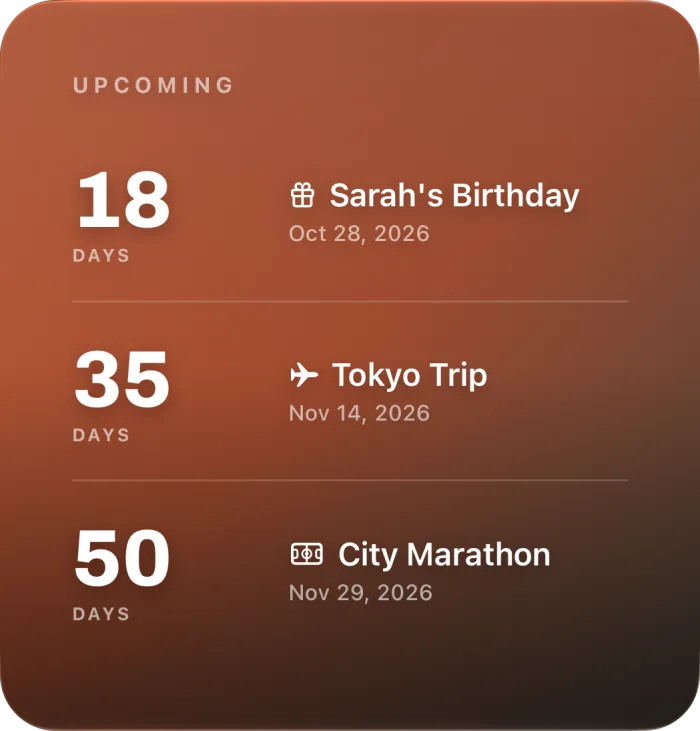
The Large widget on the Home Screen shows up to three events at once. Set Christmas Eve first, Christmas Day second and New Year's Eve third, and you have the whole season in one square on your phone. Small and Medium show only the first event, and each Lock Screen widget shows one.
Questions people ask
- Is there a Christmas countdown widget for iPhone?
- Yes. Countdown Day has one, free in every size. Add Christmas from Quick add in the app, then place the Countdown widget on your Lock Screen or Home Screen.
- Can I put a Christmas photo behind the countdown?
- Yes. Your own photo behind the event in the app is free. Showing that photo in a Home Screen widget needs the Photo widget, which is Premium. Lock Screen widgets do not show photos.
- Will the app remind me?
- Yes, if you allow notifications. Countdown Day reminds you the day before and on the day.
- What happens after Christmas?
- On December 25 the widget shows the day has come. Christmas is a yearly event, so it moves to next year the next time you open the app after the day has passed. Until you open it, the widget shows how long ago it was.
- Can the widget count sleeps?
- The app counts years, months, days, hours, minutes and seconds, not sleeps. On Christmas Eve morning a day count and a sleep count are the same number, so for children the days work well.
Looking for the dates instead?
Weeks, sleeps and business days left, the weekday of Christmas in each year and the federal day off are all on How many days until Christmas.
Sources
- Use widgets on your iPhone and iPad — Apple Support
- Countdown Day on the App Store — features and in-app purchases
Checked November 1, 2026 · checked against version 3.0.8 of the app