 Countdown Day
Countdown Day · iPhone app
The number you keep checking, on your Home Screen
Free · iPhone · iOS 18.0 or later · version 3.0.4

2 days
until Columbus Day
Mon, Oct 12, 2026
0 hr 0 min 0 sec until the day begins where you are
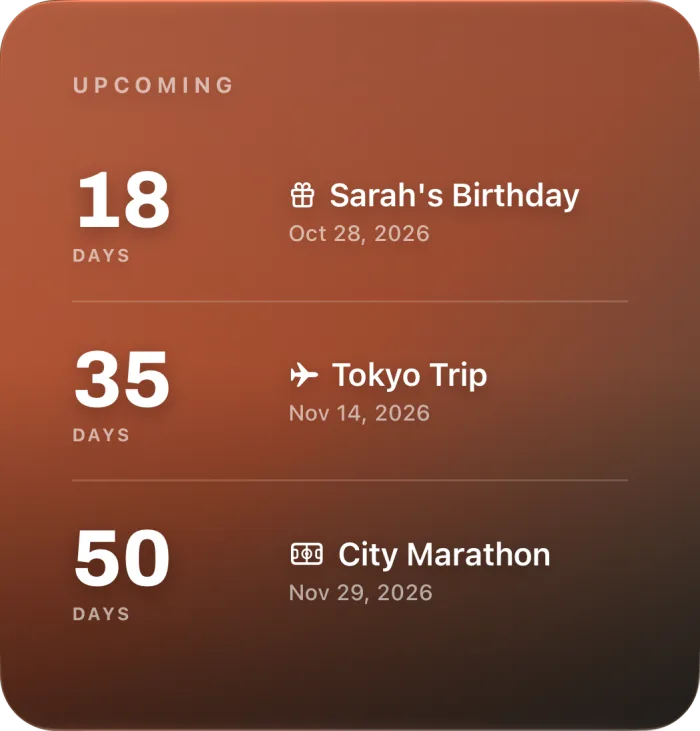
The same number, on your Home Screen. A real large widget from the app, three events with the days left. It keeps counting without opening the app. Free, in every size.

Free · iPhone · iOS 18.0 or later
Apple, the Apple logo and iPhone are trademarks of Apple Inc., registered in the U.S. and other countries and regions. App Store is a service mark of Apple Inc.
Five dates
The dates people count, and the part of the app that carries each one
Real screens from version 3.0.4, not store artwork.
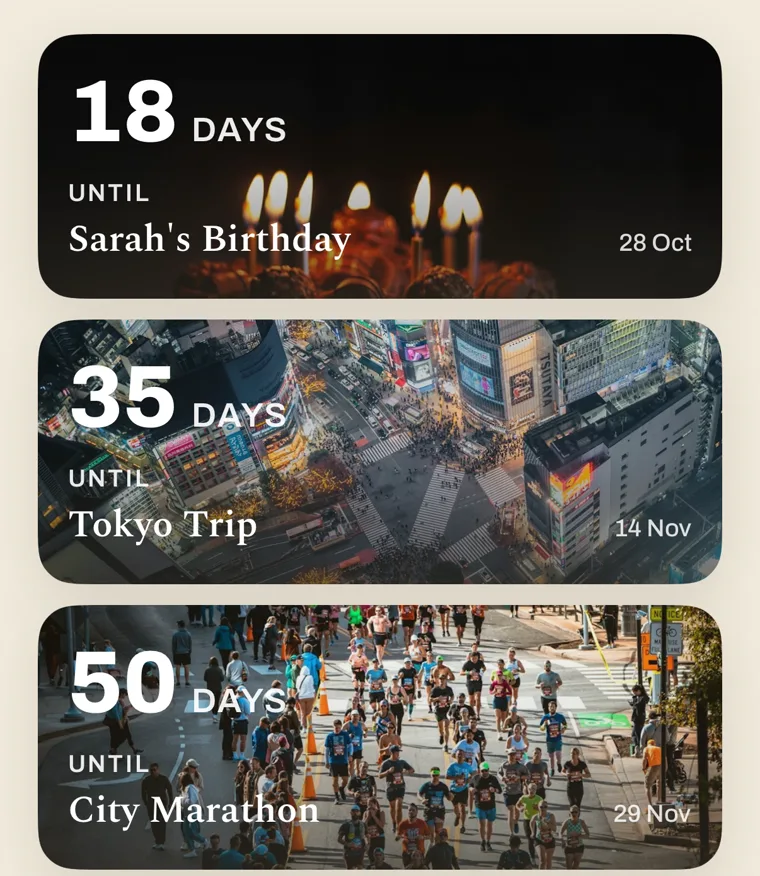
18 daysa birthday
Sarah's birthday sits in the list between a trip and a marathon
Every event is one card with the days left on it, newest date first. Next year the birthday rolls forward by itself.
- Every event in one list, with the days left on each
- Birthdays and anniversaries roll forward to next year on their own
- Three upcoming holidays for your region are already there on first launch
35 daysa trip
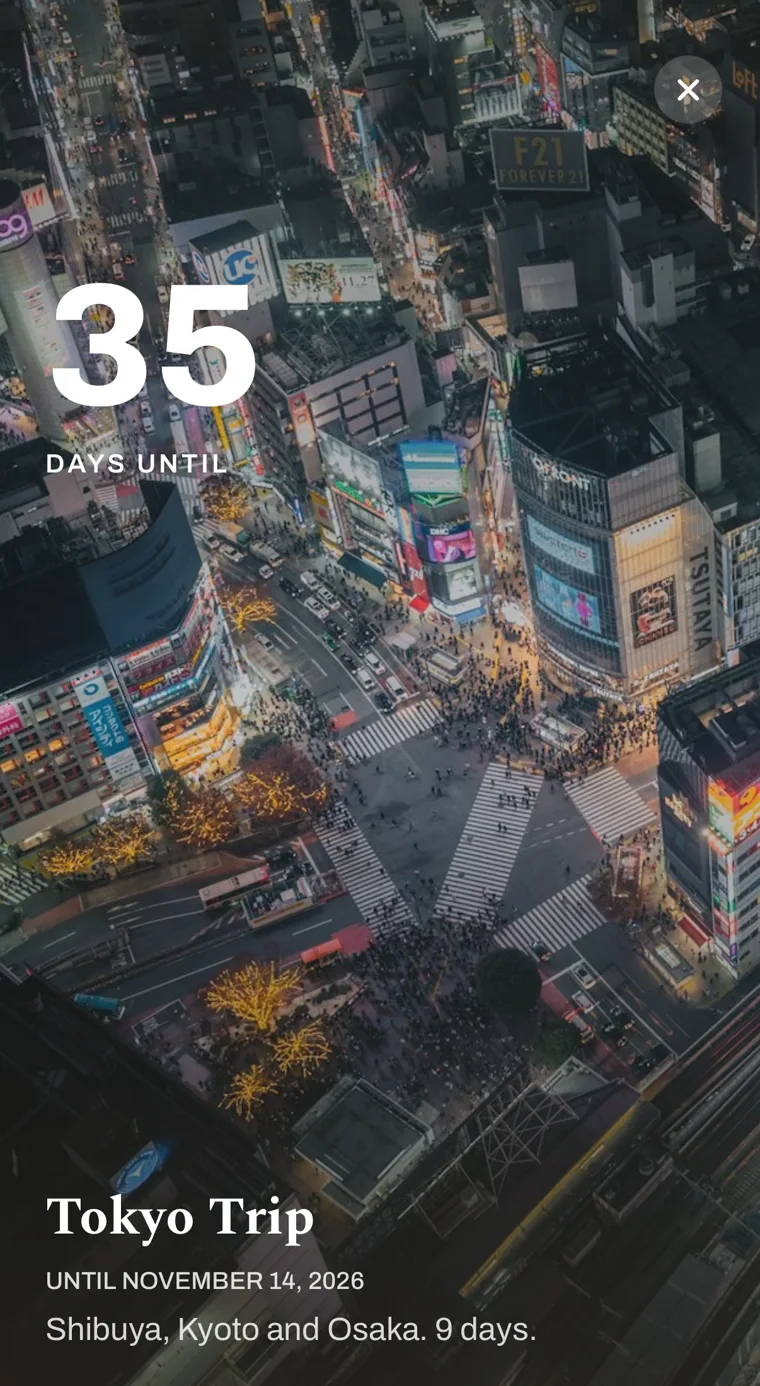
Tokyo, full screen, with a reminder set
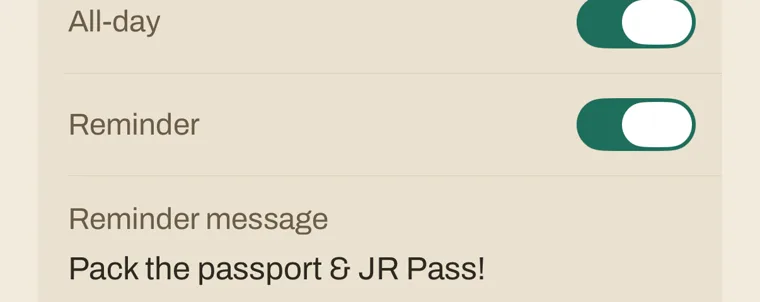
Open the event and the photo is the countdown. The reminder is set, with your own words on it.
- Your own photo or a gradient behind every event
- Lock Screen widgets: circular, rectangular and inline, free
- A reminder for each event, from the first day · your own reminder message is Premium
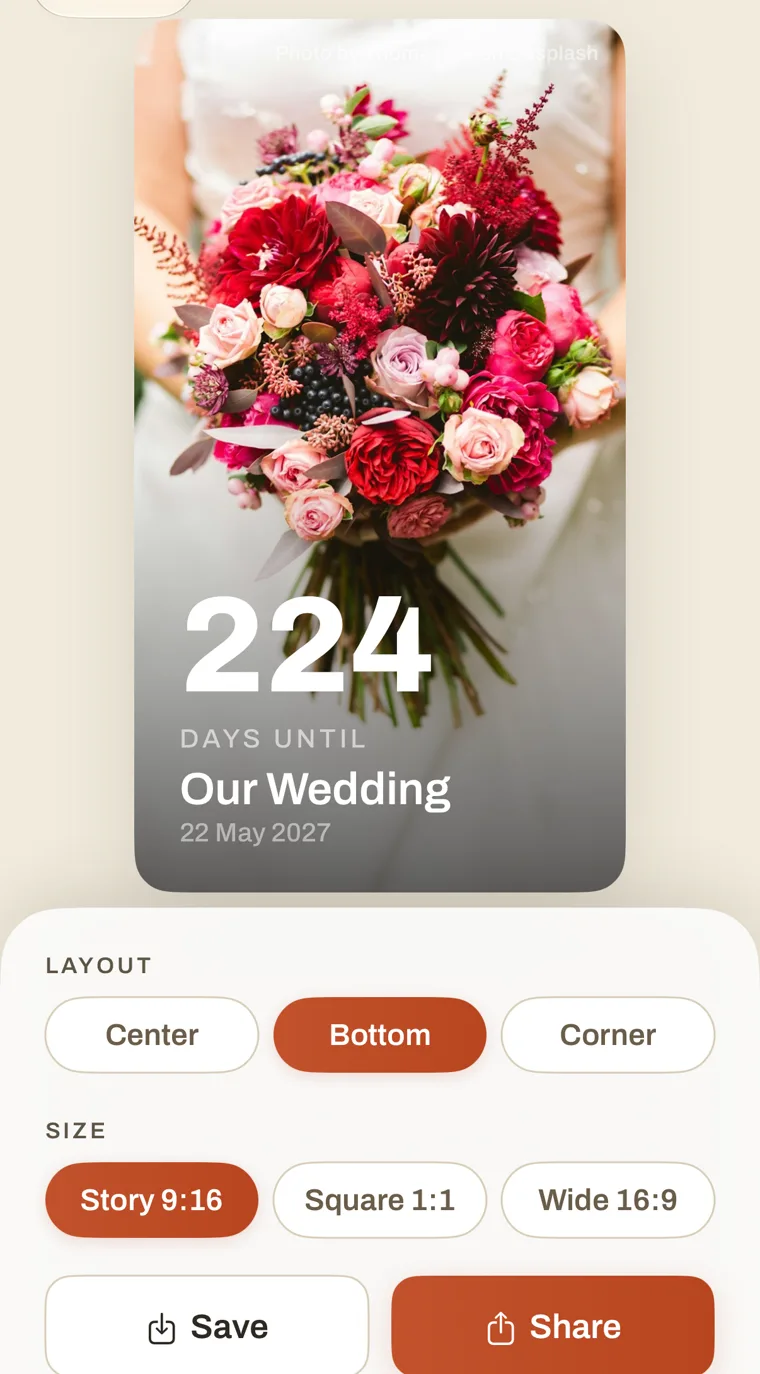
224 daysa wedding
The card you send is the same photo with the number on it
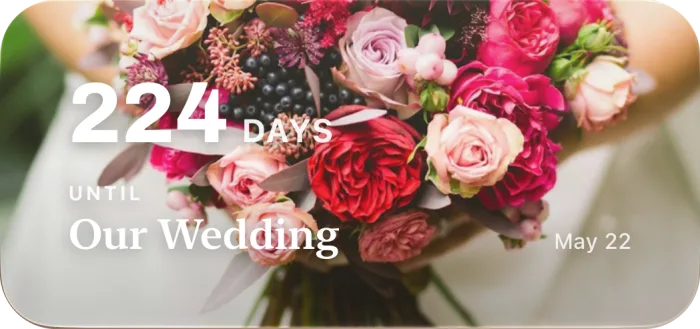
Pick a layout and a size, Story, Square or Wide, and share it. The photo widget puts the bouquet on the Home Screen too; that one is Premium.
- Share a countdown card with the event photo, free
- Photo widget in small, medium and large · Premium
- Photos from the in-app Online Gallery · Premium
 Premium
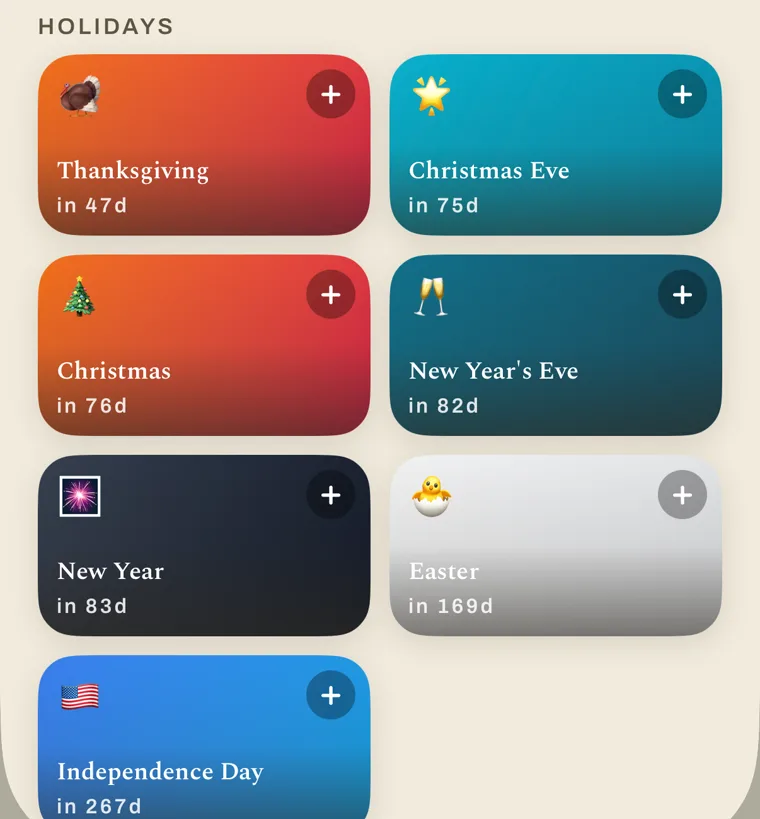
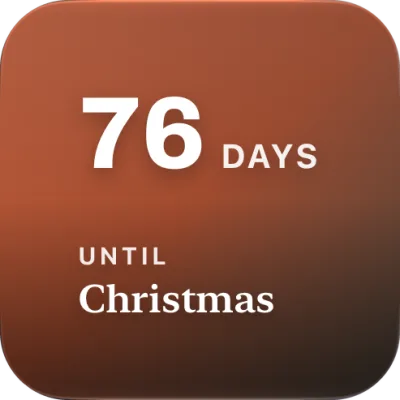
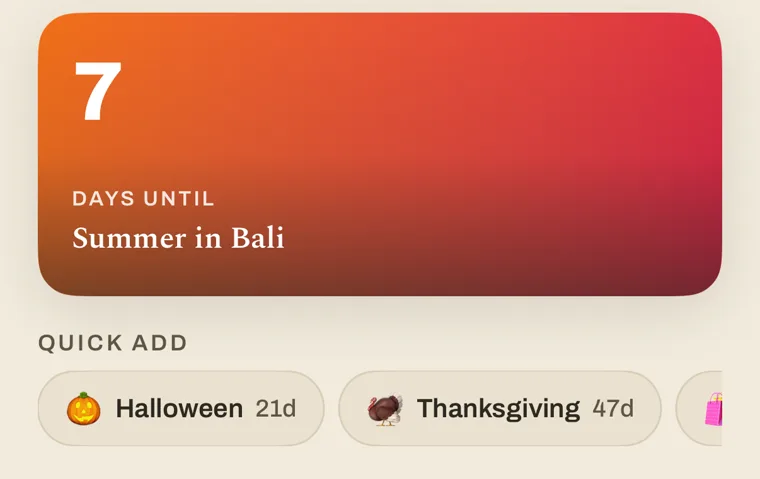
 76 daysChristmas
The holidays are a tap away, with the count already on them
Quick add shows the next holidays for your region, days included. The small gradient widget is free, and so is the Christmas count on this site if you want it in a browser.
- Quick add from a store of upcoming holidays for your region
- Countdown widgets on a gradient, small, medium and large, free
- Import the rest from your iPhone calendar
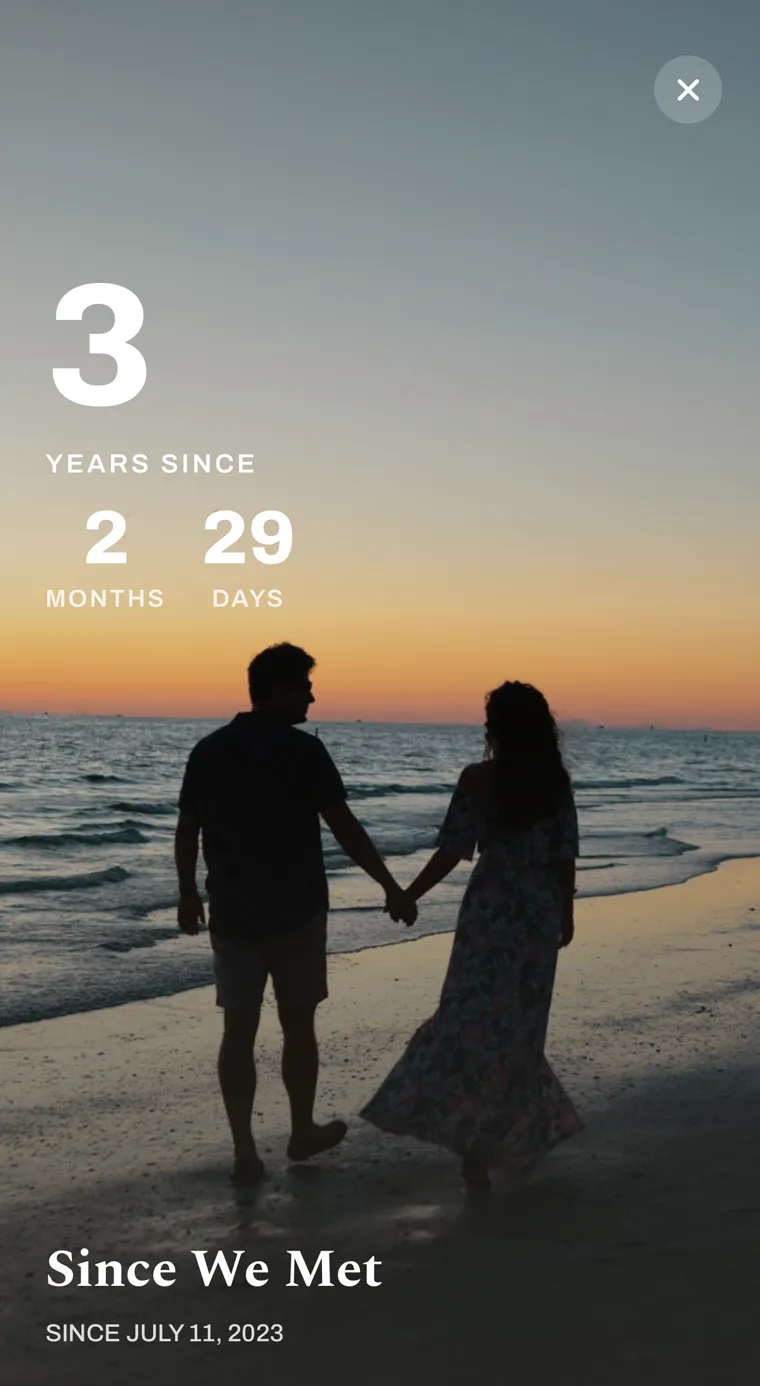
3 yearssince we met
After the date, the count carries on
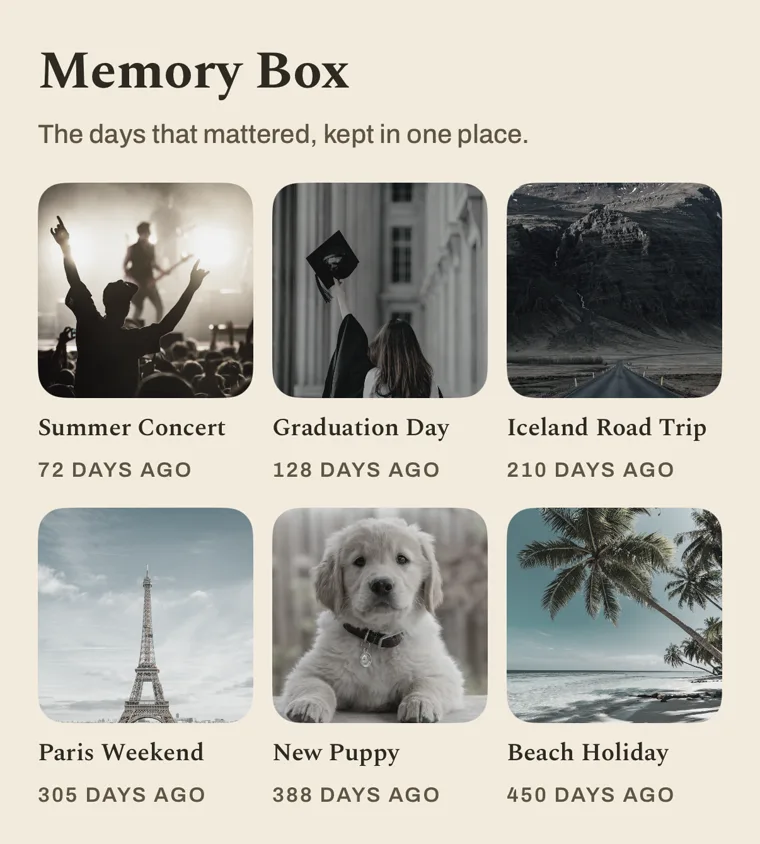
A date that has passed keeps counting up in years, months and days. The ones you are done with go to the Memory Box.
- Past dates keep counting up
- Finished events move to the Memory Box
- Show years, months, days, hours, minutes or seconds
The photos inside these screens come from Unsplash through the app's Online Gallery; the Tokyo photo is by jet dela cruz. Photos on this site are listed on Credits.
Widgets
Every size, Home Screen and Lock Screen
Countdown widgets are free since 3.0.4. Only the photo widget is Premium.
- Small · free
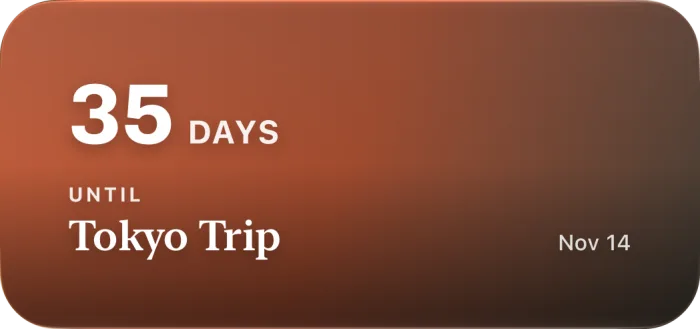 Medium · free
- Large · free
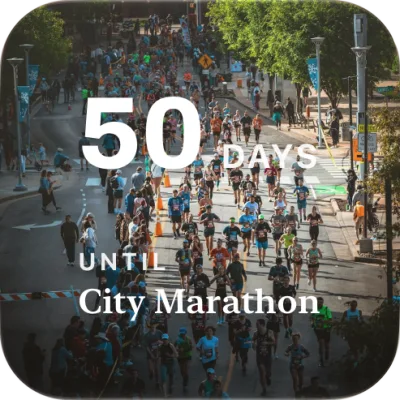 Photo widget · Premium
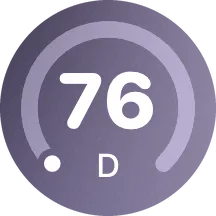 Lock Screen · rectangular, circular and inline · free
Free
What the free app does
Counts down to any date in days, hours and minutes. Countdown widgets in every size. Your own photo or a gradient on each event. Reminders from the first day. Count-up after the date and the Memory Box. Share cards. Import from your iPhone calendar. The warm theme and the list layout.
Premium
What Premium adds
The photo widget. The Online Gallery of photos. Light and Dark themes. Your own reminder message. Grid and carousel layouts. Premium is an in-app purchase; the app shows the plans when you open it.
Countdown Day 3.0.4
On the App Store since 2016, rebuilt in 2026
- Latest version
- 3.0.4 · Wed, Sep 30, 2026
- Runs on
- iPhone (iOS 18.0 or later)
- Backup
- iCloud keeps your events safe
- Release notes
- Every version since 1.0